You spent hours tweaking in-game settings, upgraded your GPU twice—but your aim still feels off. Maybe it’s not your reflexes. Maybe it’s your controller. And if you’re digging through generic “pc gaming wiki controllers” lists that repeat the same recycled specs, you’re wasting time. Here’s how to cut through the noise and pick a controller that actually clicks.
Why Most PC Controller Advice Fails You
Wiki-style roundups treat every controller like interchangeable plastic bricks. They list button counts, weight, and compatibility—then call it a day. But real performance? That lives in the micro-details: stick tension curves, deadzone calibration, firmware lock-in, and driver bloat.
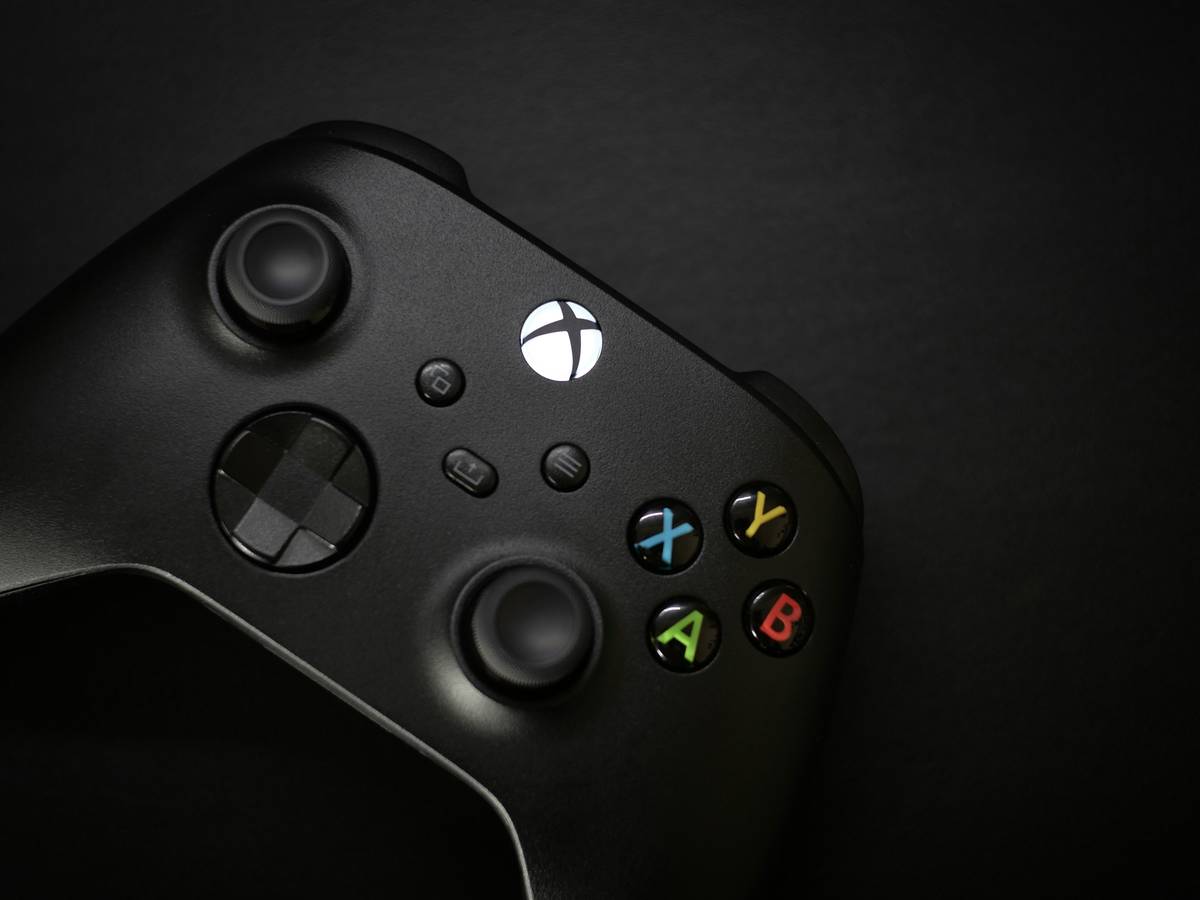
And most guides ignore a brutal truth: Windows doesn’t natively speak ‘controller’ fluently. Xbox works out of the box. Everything else? You’re entering registry edits, third-party wrappers, or outright giving up on gyro support. That “plug-and-play” PS5 controller? Good luck getting adaptive triggers working outside Steam.
pc gaming wiki controllers: How to Actually Choose One
Step 1: Define Your Playstyle First
Racing sim fan? You need analog precision and low input lag—think Fanatec or Thrustmaster. Fighting game diehard? Zero-deadzone sticks and swappable parts (looking at you, Qanba Drone). FPS players? Prioritize ergonomics—your thumb shouldn’t cramp during hour-three of Warzone.
Step 2: Check Real Compatibility—Not Marketing Claims
“PC Compatible” often means “barely recognized as a gamepad.” Dig into Reddit threads. Search GitHub for community drivers. If the manufacturer hasn’t updated firmware in 18 months, walk away.
Step 3: Factor in Long-Term Cost vs. Value
A $30 no-name controller might work today. But when it dies in six months—or worse, bricks after a Windows update—you’ve lost more than money. You’ve lost muscle memory calibration time.
| Controller Tier | Price Range | Best For | Hidden Cost Risk |
|---|---|---|---|
| Budget (<$40) | $20–$40 | Casual play, retro emulators | High — driver rot, no repairs |
| Mid-Tier ($40–$90) | $40–$90 | FPS, platformers, light racing | Medium — limited firmware updates |
| Premium ($90+) | $90–$200+ | Competitive play, sims, longevity | Low — repairable, active dev support |
The Industry Secret Nobody Talks About
Here’s what pro peripheral engineers whisper off-record: most “exclusive” features are software tricks. Haptic feedback? Often just repackaged rumble with better marketing. Adaptive triggers? Mostly unused outside first-party titles. The real differentiator? Firmware openness.
Controllers like the 8BitDo Pro 2 or Xbox Elite let you remap inputs at the hardware level—no background app needed. That means lower latency, zero CPU overhead, and consistent behavior across launchers. Sony’s DualSense? Gorgeous tech—but tethered to Sony’s ecosystem logic. On PC, it’s brilliant… until it isn’t.
Think about it: Would you trust a race car with opaque engine tuning? Then why accept a black-box controller?
FAQ
Are Xbox controllers the best for PC?
For plug-and-play reliability, yes—especially Series X/S models. But “best” depends on your needs. If you value customization over convenience, third-party options win.
Can I use a PS5 DualSense on PC?
Yes, via USB or Bluetooth—but expect limited functionality. Features like adaptive triggers and advanced haptics only work in Steam games that explicitly support them.
Do I need special drivers for PC controllers?
Often, yes. While Xbox controllers use native Windows drivers, others require manufacturer software or community tools like DS4Windows—which adds complexity and potential instability.