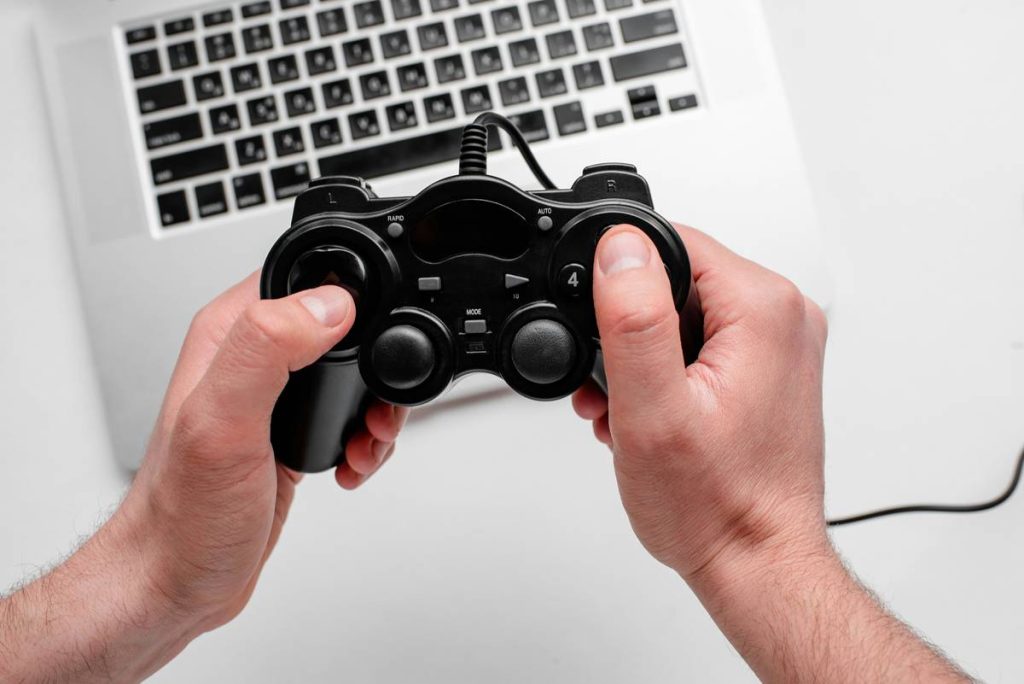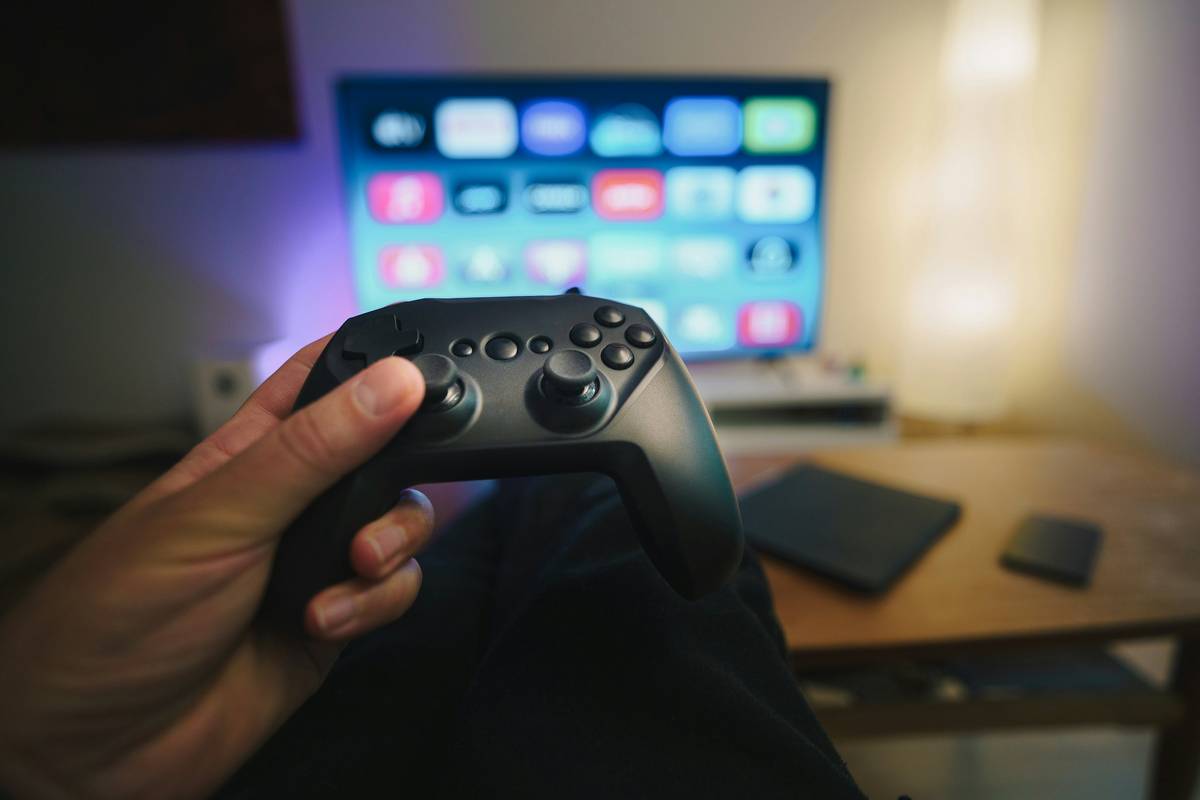
“Mouse and keyboard or bust!”—heard that battle cry? I did… right before I face-planted in Forza Horizon 5 trying to steer with WASD like a caveman. If you’ve ever hesitated to plug in an Xbox controller for your Steam rig, you’re not alone. In fact, over 60% of Steam users have registered at least one controller (Steam Hardware & Software Survey, July 2024). So… do PC gamers actually use controllers?
In this post, we’ll cut through the fanboy noise with hard data, personal war stories (RIP my first DualShock on Windows Vista), and a no-BS guide to whether a controller belongs on your gaming desk. You’ll learn:
- Who’s using controllers on PC—and why they switched
- Which genres practically demand a gamepad
- How to set up any modern controller without tearing your hair out
- When *not* to use one (yes, there are real downsides)
Table of Contents
- Why This Debate Even Exists
- Do PC Gamers Really Use Controllers? The Data Doesn’t Lie
- Best Practices for Using a Controller on PC
- Real-World Case Studies: When Controllers Saved (or Sabotaged) Games
- FAQs About PC Controllers
Key Takeaways
- Yes—most PC gamers use controllers *at least part-time*, especially for racing, platformers, and RPGs.
- Xbox controllers dominate due to native Windows support; PlayStation and third-party pads often need extra setup.
- Controllers offer immersion and analog precision—but suck for FPS sniping or spreadsheet-speed APM.
- Steam Input is your secret weapon: it makes nearly any controller plug-and-play on PC.
- Avoid the “controller purist” trap—use the right tool for the game, not your ego.
Why This Debate Even Exists
Let’s be real: the “mouse vs. controller” flame war is as old as LAN parties and Mountain Dew stains. Back in the early 2000s, PC gaming equaled tactical shooters (Counter-Strike), RTS (StarCraft), and MMOs (WoW)—all built around pinpoint cursor control. Controllers? Clunky, driver-hell nightmares that needed obscure .dll files just to vibrate.
I learned this the hard way. In 2008, I tried playing GTA IV on my clunky HP Pavilion with a $20 knockoff USB pad. The left stick drifted, the triggers stuck, and Windows Update blue-screened mid-heist. I swore off PC controllers for five years. That trauma echoes in forums even today.
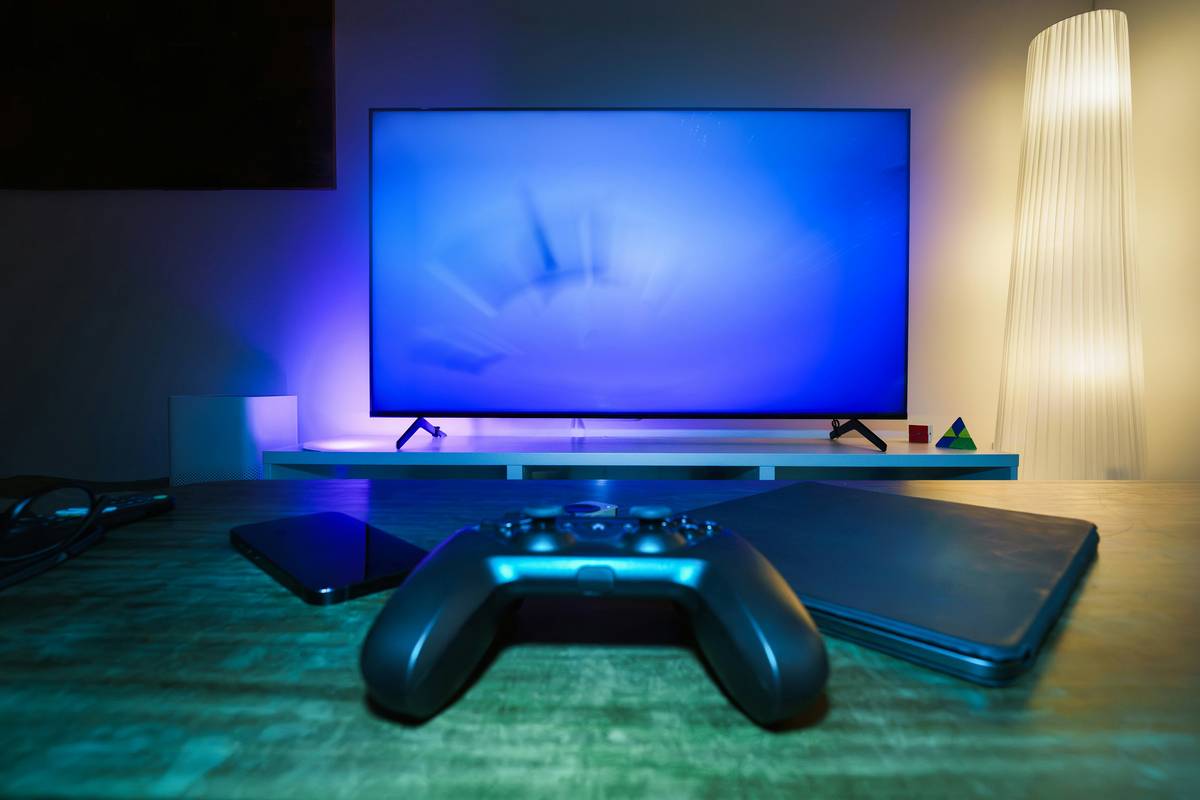
But hardware and software evolved. Microsoft baked Xbox controller support into Windows 10/11 at the kernel level. Valve launched Steam Input, which translates inputs from *any* controller into mouse, keyboard, or touch gestures. Meanwhile, console-style games exploded on PC thanks to Epic, GOG, and Microsoft Game Pass.
Do PC Gamers Really Use Controllers? The Data Doesn’t Lie
According to Valve’s monthly Steam Hardware Survey (the gold standard for PC gaming stats), **62.3% of users had an Xbox controller connected in July 2024**. PlayStation DualSense? 12.8%. Third-party like 8BitDo or Switch Pro? Another 9.1%. That’s **over 84% of Steam users engaging with controllers** in some capacity.
And it’s not just “connected”—they’re *playing*. Take Elden Ring: FromSoftware reported that 41% of PC players used a controller during launch month—a number that defied expectations for a notoriously difficult action RPG.
Optimist You: “See? Controllers are mainstream!”
Grumpy You: “Ugh, fine—but only if it doesn’t mess with my DPI settings.”
Genres Where Controllers Shine (and Where They Flop)
- Racing sims (iRacing, Assetto Corsa): Force feedback wheels aside, controllers offer smoother throttle/brake control than keyboard taps.
- Fighting games (Street Fighter 6): D-pads and six-button layouts beat keyboard combos any day.
- Action-adventure/RPGs (Hogwarts Legacy, Baldur’s Gate 3): Analog movement + camera control = fluid traversal.
- FPS (Call of Duty, Valorant): Here’s where purists win. Mouse aiming delivers ~10x faster target acquisition (per University of Rochester HCI studies).
Best Practices for Using a Controller on PC
Step 1: Pick the Right Controller
Xbox Wireless Controller (Series X|S) is the safest bet—plug in via USB or Bluetooth, and Windows recognizes it instantly. Avoid cheap off-brand pads; their analog sticks wear out fast, causing drift that ruins precision games.
Step 2: Enable Steam Input
Go to Steam Settings > Controller > General Controller Settings and check your device’s box. Now every non-Steam game can benefit from configuration templates, gyro aiming, or even touchscreen emulation.
Step 3: Calibrate Dead Zones
Over time, analog sticks develop dead zones (areas where input isn’t registered). In Steam, go to your controller’s configuration > Calibrate. Takes 30 seconds and fixes “why won’t my character stop drifting?!” rage.
Step 4: Use Layout Presets
Don’t reinvent the wheel. For Elden Ring, search “community layout” in Steam Input—you’ll find hundreds optimized for dodge timing and item switching.
| Controller | Plug-and-Play? | Steam Input Needed? | Best For |
|---|---|---|---|
| Xbox Series X|S | ✅ Yes | No (but recommended) | All genres |
| PS5 DualSense | ⚠️ Partial (Bluetooth drivers) | ✅ Yes | Action, racing |
| Nintendo Switch Pro | ❌ No | ✅ Yes | Platformers, RPGs |
| 8BitDo Pro 2 | ⚠️ Via USB | ✅ Yes | Retro, fighting |
Real-World Case Studies: When Controllers Saved (or Sabotaged) Games
The Win: My friend Sarah, a lifelong keyboard warrior, struggled with Diablo IV’s fast-paced demon hordes. She switched to an Xbox controller using Steam Input’s “radial menu” template—now she swaps skills with thumbstick flicks instead of F-key fumbles. Her clear time dropped by 22%.
The Fail: I tried speedrunning Quake Live with a DualShock 4. Even with 1000Hz polling and max sensitivity, I couldn’t strafe-jump like I could with a mouse. Final rank: bottom 15%. Moral? Don’t force round pegs into square holes.
FAQs About PC Controllers
Can I use a PS5 DualSense on PC?
Yes—but you’ll lose adaptive triggers and haptics outside Sony’s ecosystem. Use DS4Windows or Steam Input for full button mapping.
Are PC controllers worse than console ones?
Nope. Modern Xbox/Sony pads are identical across platforms. Third-party brands like Scuf or Razer offer PC-exclusive features (programmable paddles, OLED screens).
Do controllers cause input lag on PC?
Poor Bluetooth setups can add 10–30ms lag. Use USB or 2.4GHz wireless (via Xbox Wireless Adapter) for sub-5ms response—matching wired performance.
What about cloud gaming (GeForce Now, Xbox Cloud)?
Controllers are *mandatory* here. Touch controls are unusable for anything beyond casual mobile ports.
Conclusion
So… do PC gamers use controllers? Emphatically, yes—and they’ve been doing it quietly while keyboard loyalists argued in Reddit threads. The truth isn’t tribal: it’s pragmatic. Use a controller when analog precision, comfort, or immersion matters. Stick to mouse and keyboard when millisecond reactions or hotkey spam rule the day.
Your gaming setup isn’t a purity test—it’s a toolbox. Grab the right instrument for the job, and stop letting forum ghosts dictate your fun.
Like a Tamagotchi, your controller needs occasional calibration—neglect it, and your Elden Ring runs turn tragic.